
Google Drive Free Plan: What You Get
- 15GB of storage — but shared across:
- Gmail
- Google Photos (if using “Original quality”)
- Google Drive files (docs, PDFs, videos, etc.)
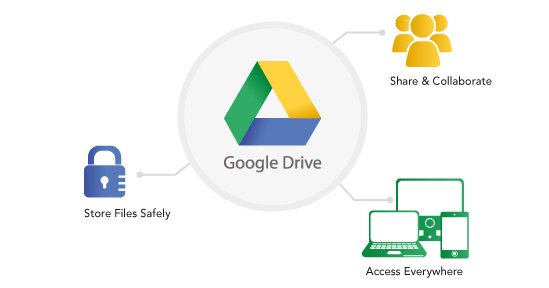
- Access across all devices: Web, Android, iPhone, Windows, Mac
- Built-in file preview: View PDFs, Word, Excel, images, and videos without downloading
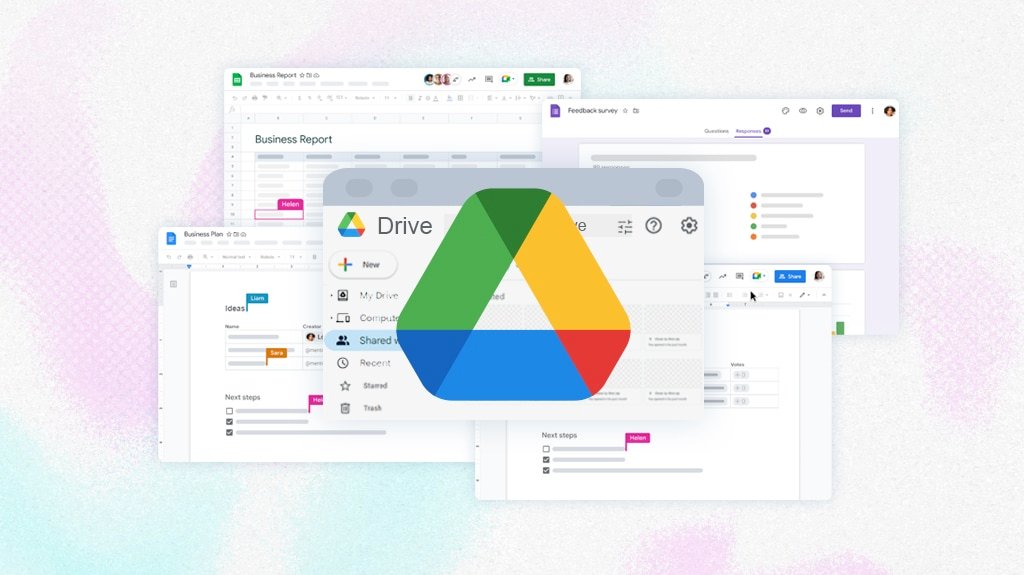
- Integration with Google Docs, Sheets, Slides: Real-time collaboration
- Automatic backup (on mobile): Back up photos, contacts, and app data (via Google One)
📌 Important: The 15GB is a shared pool—not 15GB just for Drive. If you have a Gmail account with years of emails or high-res photos, you may have very little space left for actual file storage.

⚠️ Key Limitations of Google Drive (Free Tier)
- No true “unlimited” storage
Google ended unlimited photo backup in June 2021. Everything now counts toward your 15GB. - No end-to-end encryption
Google can (and does) scan your files for AI, ads, and “security” purposes. - Privacy concerns
Your documents, photos, and emails are used to build an advertising profile. - Sharing isn’t secure by default
Shared links are often publicly accessible unless you manually change settings—risking accidental exposure. - No password-protected or expiring links on free plan
You can’t add a password or auto-delete timer to shared files (unlike dedicated secure services). - Slow upload speeds during peak hours (especially on mobile)
🔍 Real-World Example:
- You upload 5,000 photos to Google Photos in “Original quality” → uses ~30GB
- But you only have 15GB total → backup stops, and you won’t get a clear warning
- Meanwhile, your Drive folder shows “14.9GB used” — but you don’t know why
🆚 How Google Drive Compares to Better Free Alternatives
| Feature | Google Drive (Free) | FileWays (Free) |
|---|---|---|
| Storage | 15GB (shared) | 5GB (dedicated to files) |
| File size limit | ~15GB total | 10GB+ per file |
| Encryption | ❌ In transit only | ✅ End-to-end |
| Secure sharing | ❌ Public by default | ✅ Password + expiry |
| Privacy | ❌ Scanned for AI/ads | ✅ No tracking, no scanning |
| Offline access | ✅ Yes | ✅ Yes |
| Ad-free experience | ❌ Upsells to Google One | ✅ No ads, no upsells |
💡 While Google offers more total space, FileWays gives you more usable, secure, and private storage for actual files.
✅ When Google Drive Free Makes Sense:
- You’re already deep in Gmail & Google Docs
- You only store light documents (not photos or large files)
- You don’t handle sensitive or confidential data
- You prioritize collaboration over privacy
❌ When to Avoid Google Drive Free:
- Storing tax documents, contracts, IDs, or client files
- Sharing files with people outside your organization
- You care about data privacy or live in a region with strict data laws (e.g., EU, India)
- You need true file backup (not just sync)
🔁 Better Free Alternative: FileWays
If you want private, secure, ad-free file storage with professional sharing tools:
- 5GB free (dedicated to your files)
- Send large files securely with password/expiry
- No data mining
- Works on all devices
👉 Get 5GB free at FileWays — no credit card, no Google account needed.
Final Verdict:
Google Drive’s free plan is convenient but compromised. It’s fine for casual Docs users—but not ideal for secure, private, or long-term file storage.
For most people who value control over their data, a privacy-focused service like FileWays offers a better free experience—even with slightly less space.
🔒 Your files deserve more than being someone else’s ad revenue.