
1. FileWays – Best Free Online Storage for Files (2025)
Why it leads:
FileWays offers 5GB of clean, private, ad-free storage with no hidden tracking, no file size caps, and secure sharing—ideal for documents, photos, videos, ZIPs, APKs, and more.
✅ Free Plan Includes:
- 5GB storage (enough for thousands of files)
- Upload files up to 10GB+ in a single go
- End-to-end encrypted sharing: Add password or auto-expiry to any link
- No ads, no data mining, no AI scanning
- Full apps for iPhone & Android + desktop support
- Offline access to saved files
- Files app integration on iOS & Android file managers
Perfect for:
- Students backing up projects
- Freelancers sharing client deliverables
- Anyone sending large or sensitive files securely
🔒 Unlike Google or Dropbox, FileWays doesn’t scan your files—your data stays yours.
🔗 Get 5GB free at FileWays — no credit card needed.

2. MEGA – Most Free Space (With Trade-Offs)
- 20GB free (15GB base + 5GB via app/referral)
- Zero-knowledge encryption (only you can decrypt files)
- No file size limit
⚠️ Downsides:
- ❌ Slow upload/download speeds, especially on mobile
- ❌ Clunky interface & high battery usage
- ❌ Accounts sometimes suspended without warning
Best if: You need large free space and prioritize encryption over speed.
🌐 mega.io
3. Google Drive – Familiar but Not Private
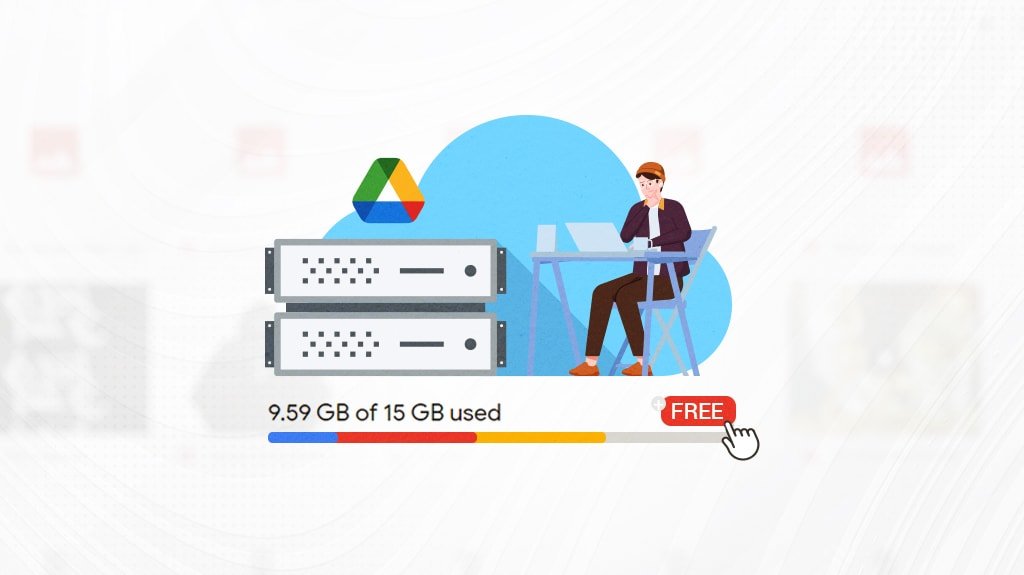
- 15GB free (shared across Gmail, Photos, Drive)
- Clean interface, good file preview
⚠️ Downsides:
- ❌ Scans all files for AI/ad profiling
- ❌ No end-to-end encryption
- ❌ Real usable space often <5GB due to email/photo usage
- ❌ Sharing links are public by default (security risk)
Best if: You’re already in Google’s ecosystem and handle non-sensitive files.
🌐 drive.google.com
4. Dropbox – Simple but Very Limited
- Only 2GB free
- Reliable sync, but slow on free tier
- No secure sharing (password/expiry) on free plan
Best for: Light use only (e.g., a few PDFs or resumes).
🌐 dropbox.com
5. Microsoft OneDrive – Good for Windows + Office
- 5GB free
- Tight integration with Word, Excel, etc.
- No password-protected sharing on free tier
- Files scanned by Microsoft for “safety”
Best if: You use Windows and Office daily.
🌐 onedrive.live.com
⚠️ Avoid These “Free” Sites:
- WeTransfer: ❌ Not storage—files expire in 7 days
- MediaFire, ZippyShare, FileUpload: ❌ Ad-ridden, unreliable, potential malware
- “Unlimited free cloud” scams: ❌ Fake services that steal data
Quick Comparison:
| Service | Free Space | Max File Size | Encryption | Secure Sharing | Privacy |
|---|---|---|---|---|---|
| FileWays | 5GB | 10GB+ | ✅ End-to-end | ✅ Password + expiry | ✅ Excellent |
| MEGA | 20GB | Unlimited | ✅ Zero-knowledge | ✅ Yes | ✅ Good |
| Google Drive | 15GB* | 15GB total | ❌ No | ❌ No | ❌ Poor |
| Dropbox | 2GB | 2GB | ❌ No | ❌ No | ⚠️ Moderate |
| OneDrive | 5GB | 250GB | ❌ No | ❌ No | ⚠️ Moderate |
*Google’s 15GB is shared across services—often only 2–4GB usable for files.
Final Recommendation:
For most users in 2025, FileWays is the best free online storage for files. It delivers:
- Real privacy (no tracking)
- Fast, unlimited file uploads
- Secure, professional-grade sharing
- 5GB of reliable, ad-free space
You’re not trading your data for storage—you’re getting honest, human-respecting cloud service.
👉 Sign up free at FileWays.com — no credit card, no ads, no tricks.
Store your files. Keep your freedom.