

FileWays – Best Cloud Storage to Store Photos (Quality + Privacy + Control)
Why it’s #1:
FileWays treats your photos like irreplaceable assets, not data points to be scanned, compressed, or monetized.
✅ Key Advantages for Photo Storage:
- Free plan: 5GB (holds ~1,500 high-quality JPEGs or 200+ RAW files)
- 100GB for $49/year—excellent value for serious photo libraries
- No compression, ever: Store JPEG, HEIC, RAW (CR3, NEF, ARW), TIFF, and ProRes video in original resolution
- Zero AI scanning: No facial recognition, no location tagging, no ad profiling
- Encrypted sharing: Send private albums via secure link—add a password or set auto-expiry
- Automatic backup: Opt-in mobile app to back up your Camera Roll (iOS & Android)
- Full offline access: Save favorite photos to your phone for viewing without Wi-Fi
- Works everywhere: Native apps for iPhone, Android, Mac, and Windows
- Your data, your control: End-to-end encryption + zero-knowledge architecture
Ideal for:
- Families preserving milestones (birthdays, weddings, travel)
- Hobbyist and pro photographers backing up RAW files
- Anyone who wants true ownership of their visual memories
📸 Unlike “free” photo services, FileWays doesn’t shrink your images or analyze your baby photos to sell you diapers.

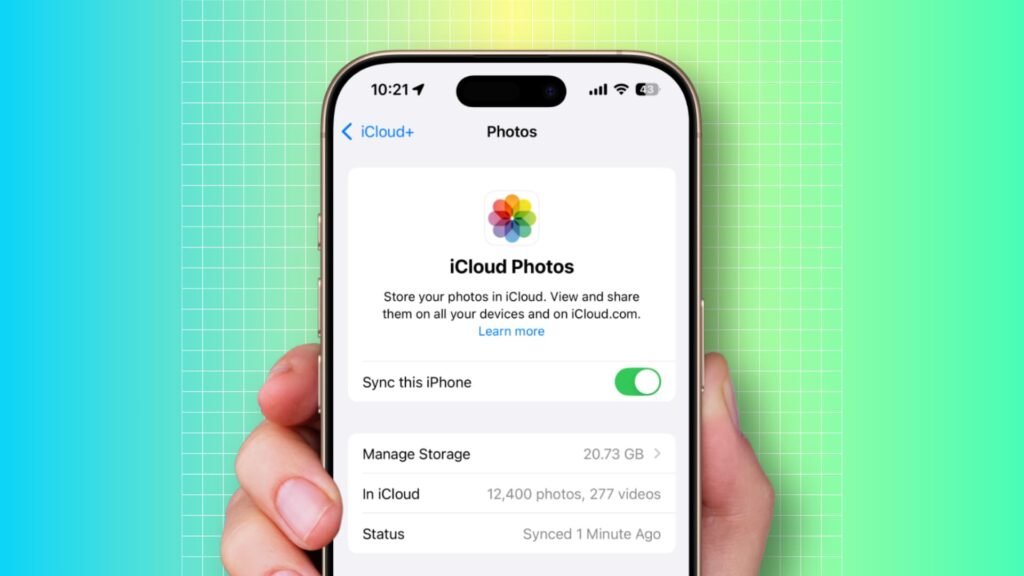
iCloud Photos – Best for Apple-Only Simplicity
Pros:
- Seamless auto-upload across iPhone, iPad, and Mac
- Full-resolution storage (if you pay)
- Clean, native photo library experience
Cons:
- Only 5GB free—fills up fast with modern iPhone photos
- 100GB = $36/year, but no secure sharing with Android users
- No password-protected links or expiry controls
- No access outside Apple ecosystem—relatives on Android can’t view albums easily
Best if: You only use Apple devices and never need to share photos externally.
Google Photos – “Free” but Compromised
Important (2025 update):
Google ended unlimited free photo backup in 2021. Today:
- All photos count against your 15GB Google account limit
- “Storage Saver” = lossy compression (quality degrades on zoom or print)
- Original quality = full resolution, but uses storage quickly
- Google scans every photo for AI profiling (faces, objects, locations, activities)
Best for: Casual users okay with compression and data tracking who want smart search (“photos of beaches”).
⚠️ Warning: A single 48MP iPhone photo can be 10–20MB. 1,000 photos = 10–20GB—you’ll exceed 15GB fast, and Google stops backing up silently.
Other Options:
| Service | Verdict |
|---|---|
| Amazon Photos | Unlimited full-resolution photo storage for Prime members ($139/year). Includes video up to 1080p. Only worth it if you already pay for Prime. |
| Dropbox | Stores photos like generic files—no photo-specific features. Only 2GB free. |
| MEGA | 20GB free with encryption, but slow uploads, poor photo previews, and unreliable mobile sync. |

Which Should You Choose?
| Your Priority | Best Choice |
|---|---|
| Original quality + privacy | FileWays |
| Auto backup on iPhone (Apple-only) | iCloud Photos |
| Free storage (with compression) | Google Photos |
| Unlimited photos (if you have Prime) | Amazon Photos |
| Secure sharing across iPhone & Android | FileWays |
Final Recommendation:
For most people in 2025, FileWays is the best cloud storage to store photos. It’s the only service that guarantees:
- Full-resolution preservation
- True privacy (no AI, no ads)
- Easy, secure sharing with anyone
- Fair, transparent pricing
Your memories deserve better than compression and surveillance.
👉 Get started free with 5GB on FileWays—no credit card, no scanning, just your photos, safe and accessible forever.