
FileWays – Best Cloud Storage for iPhone (Overall)
Why it’s #1:
FileWays offers a native, privacy-focused, and lightning-fast experience on iPhone—with features iCloud simply doesn’t provide.
✅ Key Advantages on iPhone:
- Free plan: 5GB (same as iCloud—but with better tools)
- 100GB for $49/year → cheaper than iCloud’s $36/year for the same space
- Full Files app integration: Access your cloud files right inside Apple’s native Files app—just like iCloud Drive
- End-to-end encrypted sharing: Send large photos, videos, or documents via secure link with password or auto-expiry
- Fast uploads—no 2GB limit (unlike iCloud Mail or Messages)
- Offline access: Save any file to your iPhone for viewing without Wi-Fi
- Zero ads, no tracking, no AI scanning—your data stays private
- Works flawlessly with WhatsApp, Mail, Notes, and other iOS apps
Perfect for:
- Sharing high-res videos with family (on Android or iPhone)
- Backing up sensitive documents (tax files, IDs, contracts)
- Freelancers sending client deliverables securely
- Anyone who wants secure cloud storage without Apple’s walled garden
📱 The FileWays iOS app is lightweight, battery-friendly, and feels like it belongs on iPhone—because it respects iOS design principles.

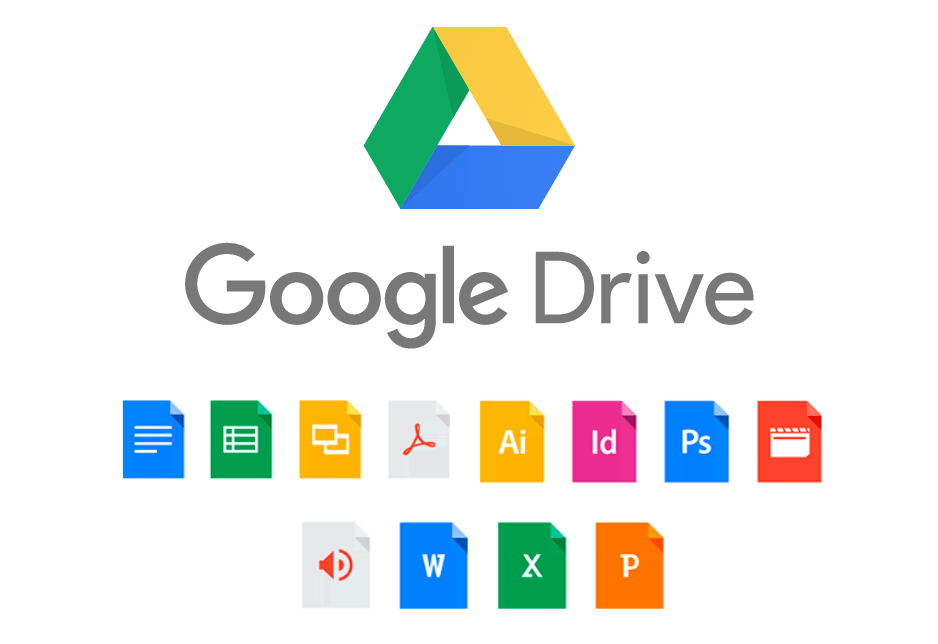
iCloud Drive – Best for Apple-Only Users
Pros:
- Built into iOS—automatic backup for Photos, Messages, and device settings
- One-tap restore if you get a new iPhone
- Seamless across Apple devices
Cons:
- Only 5GB free—fills up fast with photos or backups
- 100GB = $2.99/month ($35.88/year)—but no secure external sharing
- Can’t easily share large files with Android or Windows users
- No password-protected or expiring links
- No file versioning or advanced access controls
Best if: You only use Apple devices and want hands-off syncing.
Google Drive – Good for Cross-Platform Document Users
Pros:
- 15GB free (shared across services)
- Strong integration with Docs, Sheets, Gmail
- Decent iOS app
Cons:
- Scans your files for ads—not private
- No automatic photo backup on iPhone (that’s Google Photos—separate app)
- Sharing links aren’t encrypted by default
- Slower uploads on cellular data
Best if: You use Gmail and Google Docs daily—and don’t mind Google’s data practices.
How They Compare for iPhone Users:
| Feature | FileWays | iCloud | Google Drive |
|---|---|---|---|
| Free storage | 5GB | 5GB | 15GB* |
| 100GB price/year | $49 | $35.88 | $12 (but shared) |
| iOS Files app support | ✅ Yes | ✅ Yes | ✅ Yes |
| Encrypted sharing | ✅ Yes | ❌ No | ❌ No |
| Offline access | ✅ Full | ✅ (with settings) | ⚠️ Limited |
| Works with Android users | ✅ Perfectly | ❌ Poorly | ✅ Yes |
| Privacy-focused | ✅ Yes | ⚠️ Apple sees metadata | ❌ Scanned for ads |
*Google’s 15GB is shared with Gmail & Photos—often less than 5GB usable for Drive.
Real-Life iPhone Use Cases:
- 🎥 Sending a 4GB wedding video to relatives → FileWays (secure link, no compression)
- 📁 Backing up tax documents → FileWays (encrypted, organized, private)
- 📸 Auto-syncing all iPhone photos → iCloud (if you pay for space)
- 📝 Co-editing a budget spreadsheet → Google Drive
Final Recommendation:
- For most iPhone users: FileWays is the best cloud storage app in 2025.
It gives you more control, better security, cross-platform sharing, and lower long-term cost—without sacrificing iOS integration. - Only choose iCloud if you’re all-in on Apple and don’t need to share files outside the ecosystem.
👉 Download FileWays on the App Store today—5GB free, no credit card, full iOS support.
Your iPhone. Your files. Your privacy.