1. FileWays – Best Free Storage for Documents (Secure & Simple)
Why it’s #1:
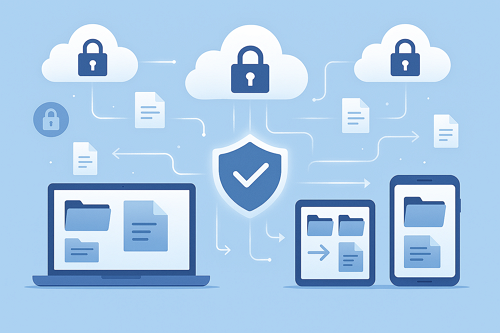
FileWays gives you 5GB of fast, private, ad-free storage—perfect for personal or professional documents—with zero tracking and strong sharing controls.
✅ Key Benefits for Document Storage:
- 5GB free (holds ~5,000+ average Word/PDF files)
- End-to-end encrypted sharing: Send contracts or tax docs via password-protected links with auto-expiry
- No file size limits: Upload a 500MB scanned PDF just as easily as a 1MB resume
- Full preview for PDFs, Word, Excel, and PowerPoint files in-browser
- Offline access: Save documents to your phone or laptop for use without internet
- Works on iPhone, Android, Windows, Mac
- No ads, no data scanning, no AI profiling
Ideal for:
- Students (essays, notes, research)
- Freelancers (proposals, invoices, client deliverables)
- Professionals (contracts, resumes, scanned IDs)
- Anyone who values privacy and control
📄 Unlike Google Drive, FileWays doesn’t scan your legal documents or financial records to build an ad profile.
🔗 Get 5GB free at FileWays — no credit card, no strings.

2. Google Drive – Best for Collaboration (But Less Private)
- 15GB free (shared across Gmail, Photos, Drive)
- Real-time co-editing in Docs, Sheets, Slides
- Good PDF and Office file preview
⚠️ Downsides:
- Files are scanned by Google’s AI (privacy risk for sensitive docs)
- No end-to-end encryption
- Sharing links are public by default—easy to accidentally expose files
- Real document storage space is often <5GB after email and photos
Best if: You collaborate on Docs daily and don’t handle confidential data.
3. Microsoft OneDrive – Best for Office Users
- 5GB free
- Full integration with Word, Excel, PowerPoint Online
- Auto-save and version history for Office files
⚠️ Downsides:
- No password-protected sharing on free tier
- No zero-knowledge encryption
- Limited space for heavy document users
Best if: You live in Microsoft Office and use Windows.
4. Dropbox – Simple Sync, Very Limited Free Space
- Only 2GB free—fills up fast with PDFs or scans
- Reliable sync and file preview
- No advanced sharing controls on free plan
Best for: Light use only (e.g., backing up a few resumes).
⚠️ Avoid These for Document Storage:
- WeTransfer: ❌ Files expire in 7 days—not storage
- MediaFire / ZippyShare: ❌ Ad-heavy, unreliable, potential malware
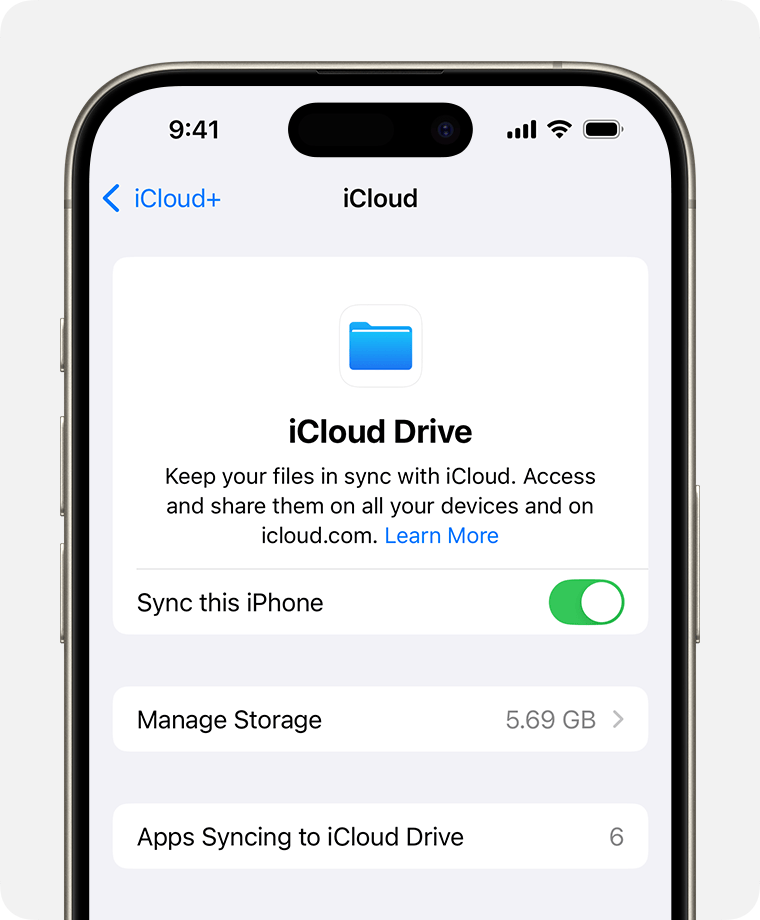
- iCloud Drive: ❌ Poor on Android; no secure external sharing
Comparison: Best Free Storage for Documents
| Service | Free Space | Encryption | Secure Sharing | Offline Access | Privacy |
|---|---|---|---|---|---|
| FileWays | 5GB | ✅ End-to-end | ✅ Password + expiry | ✅ Yes | ✅ Excellent |
| Google Drive | 15GB* | ❌ No | ❌ Public by default | ✅ Yes | ❌ Scanned for AI |
| OneDrive | 5GB | ❌ No | ❌ Basic only | ✅ Yes | ⚠️ Microsoft data use |
| Dropbox | 2GB | ❌ No | ⚠️ Limited | ✅ Yes | ⚠️ Files scanned |
*Google’s 15GB is shared—often only 2–4GB left for actual documents.
Final Recommendation:
For most people storing personal or professional documents, FileWays is the best free online storage in 2025. It offers:
- True privacy (no AI, no ads)
- Secure sharing (critical for contracts, IDs, financial docs)
- Fast, reliable access on any device
- Enough space for thousands of documents
👉 Start free at FileWays.com—5GB, no credit card, and your first document share takes seconds.
Store your documents. Protect your privacy. Keep control.