FileWays – Best Cloud Storage for Android (Overall)
Why it’s #1:
FileWays delivers a truly Android-optimized experience—lightweight, secure, and built for how people actually use their phones.
✅ Key Advantages on Android:
- Free plan: 5GB (no credit card needed)
- 100GB for just $49/year (~₹4,000/year)—excellent value
- Native Files app integration: Access your cloud files directly in Files by Google, Samsung My Files, or any file manager
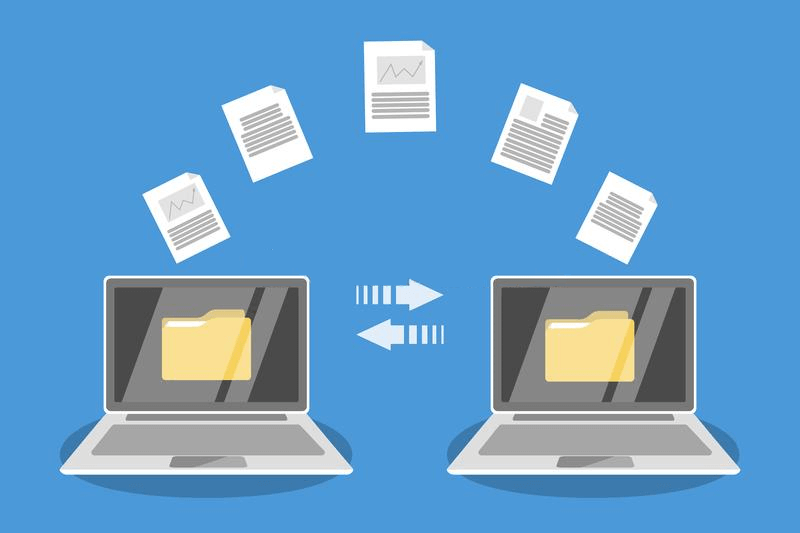
- Fast background uploads: Send 4K videos, APKs, or ZIP files—even on 4G—no artificial 2GB limits
- Offline mode: Save any file to your device for use without internet (great for travel or low-signal areas)
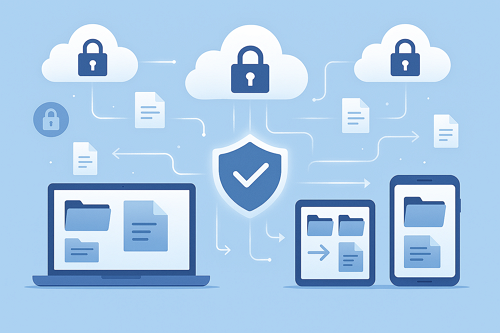
- Encrypted sharing: Generate secure links with password or auto-expiry—perfect for WhatsApp, Telegram, or email
- Zero ads, no tracking, minimal battery impact
- Auto-backup for selected folders (e.g., WhatsApp Documents, Camera folder)
- Biometric lock for app access
- Dark mode, material design, and Android 14+ compatibility
Ideal for:
- Students backing up notes, PDFs, and project files
- Professionals sharing client deliverables securely
- Creators storing and sending high-res media
- Privacy-conscious users avoiding data-harvesting apps
📱 Unlike bloated alternatives, the FileWays Android app feels fast, respectful, and “just works”—even on budget phones like the Redmi or Realme.
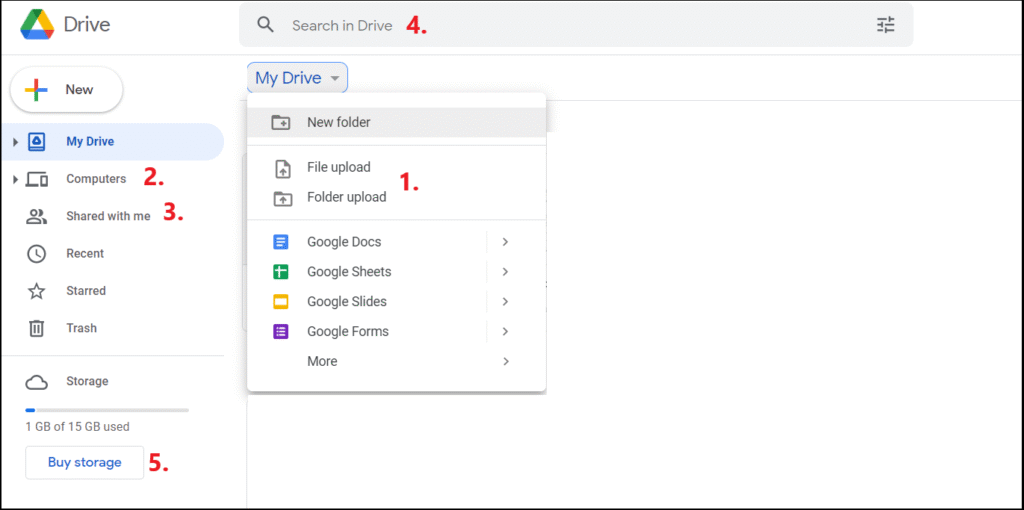
Google Drive – Best for Google Ecosystem Users (With Trade-Offs)
Pros:
- Preinstalled on most devices
- Good integration with Gmail, Docs, and Photos
- 15GB free (shared across services)
Cons:
- Scans your files for ad personalization—not private
- No true end-to-end encryption
- Slower uploads on mobile data during peak hours
- 15GB fills up fast (email + photos eat into Drive space)
- Sharing links are public by default—easy to expose files accidentally
Best if: You live in Google Workspace and prioritize Docs over privacy.
Microsoft OneDrive – Solid for Office Users
Pros:
- Clean interface, reliable sync
- Great for editing Word/Excel on the go
- Free 5GB
Cons:
- Best only if you use Microsoft 365 daily
- Lacks encrypted sharing
- No auto-backup for media folders
Best for: Office-centric professionals on Android.
Other Apps – Limited or Problematic:
| App | Issue on Android |
|---|---|
| Dropbox | Only 2GB free; outdated UI; slow on budget devices |
| MEGA | 20GB free but heavy battery drain, confusing navigation, slow sync |
| WeTransfer | ❌ Not cloud storage—files expire in 7 days |
| iCloud | Poor Android app—no photo backup, limited features |
Real-World Android Use Cases:
| Need | Best App |
|---|---|
| Backup WhatsApp media & docs | FileWays (selective auto-upload) |
| Share a 3GB video via WhatsApp | FileWays (secure link, no size cap) |
| Store tax documents offline | FileWays or OneDrive |
| Collaborate on a Google Sheet | Google Drive |
| Keep photos private from AI scanning | FileWays |
Final Verdict:
For most Android users in 2025, FileWays is the best cloud storage app. It’s:
- Faster than Google Drive on Indian 4G/5G (and global networks)
- More private than any “free” alternative
- More affordable than Dropbox or iCloud
- Truly built for Android—not just a port from iOS
👉 Download FileWays free on Google Play—get 5GB instantly, no sign-up friction, no data mining.
Your Android. Your files. Your control.