FileWays – Best Overall for Personal Use
Why it’s perfect for individuals:
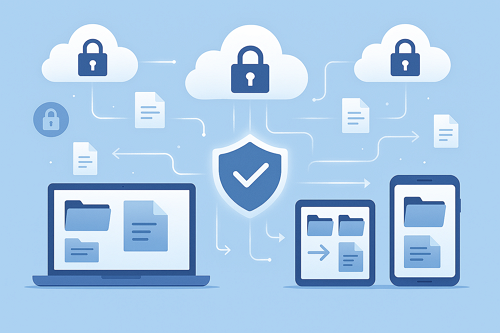
FileWays was built with personal users in mind—offering fast, private, and frustration-free storage without tying you to an ecosystem or tracking your activity.
✅ Key Benefits:
- Free plan: 5GB (great for documents, tax files, personal projects)
- Premium: 100GB for just $49/year—less than $4.10/month
- Full-resolution photo & video backup—no compression
- End-to-end encrypted sharing: Send vacation albums or home videos securely via password-protected links
- Works everywhere: Clean apps for iPhone, Android, Mac, and Windows
- Offline access: Save any file to your phone or laptop for use without internet
- Zero ads, no AI scanning, no data selling—your privacy is respected
Ideal for:
- Backing up personal documents (PDFs, scans, resumes)
- Storing and sharing family photos/videos
- Keeping a secure copy of important files (passports, contracts, etc.)
- Accessing your files from any device—without vendor lock-in
💡 Unlike “free” services that monetize your data, FileWays charges a fair price for real privacy.

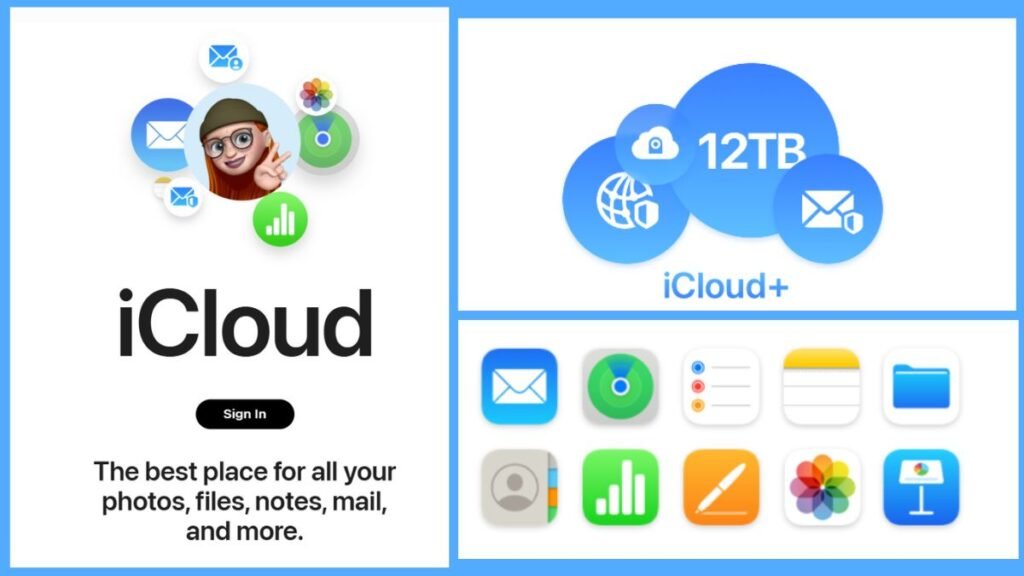
iCloud – Best for Apple-Only Households
Pros:
- Seamless auto-backup for iPhone photos, messages, and device settings
- Integrated into iOS/Mac—zero setup needed
- Reliable for Apple-to-Apple sharing
Cons:
- Only 5GB free—fills up fast with photos
- 100GB = $36/year, but lacks secure external sharing
- Useless on Android or Windows for full features
Best if: You only use Apple devices and want hands-off photo/device backup.
Google Drive – Good for Casual Users (With Caveats)
Pros:
- 15GB free (shared across Gmail, Photos, Drive)
- Easy access to Docs, Sheets, and web-based files
- Decent mobile app
Cons:
- Scans your files for ad personalization—not private
- No true unlimited photo backup (ended in 2021)
- Sharing isn’t encrypted; easy to accidentally make files public
Best if: You’re okay with Google knowing your data and mainly store documents—not sensitive personal files.

Other Options (Limited for Personal Use):
- Dropbox: Only 2GB free; overpriced for personal storage
- OneDrive: Tied to Microsoft—best only if you use Office daily
- MEGA: 20GB free with encryption, but slow and complex UI
- Amazon Photos: Unlimited photo storage only for Prime members ($139/year)—not cost-effective unless you already subscribe

Real-Life Personal Use Scenarios:
| Need | Best Choice |
|---|---|
| Backup tax documents & IDs | FileWays (encrypted, organized, accessible) |
| Store family photos in full quality | FileWays or iCloud (if Apple-only) |
| Share videos with relatives on Android & iPhone | FileWays (secure link works everywhere) |
| Automatic iPhone photo backup | iCloud (but costs add up) |
| Keep a private journal or password-protected notes | FileWays (no AI scanning) |
Final Recommendation:
For most personal users in 2025, FileWays is the best cloud storage service. It offers the right mix of security, simplicity, cross-device access, and affordability—without locking you into a tech giant’s ecosystem or compromising your privacy.
You get real value:
- 5GB free to start
- 100GB for less than $5/month
- Military-grade encryption
- A clean, ad-free experience
👉 Try FileWays free today—no credit card, no tracking, just your files, safe and accessible.