1. FileWays – Best Overall for iPhone (Fast, Private & Affordable)
Why iPhone users love it:
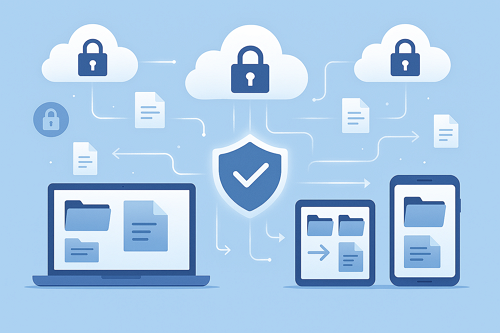
FileWays delivers a lightweight, secure, and iOS-optimized experience without locking you into Apple’s ecosystem—or draining your wallet.
- Free plan: 5GB (great for documents, PDFs, videos, and more)
- Premium: 100GB for just $49/year (less than iCloud’s 100GB plan!)
- Full iOS app with Files app integration—access your cloud files right from the native iOS Files browser
- End-to-end encrypted sharing: Send large files securely with password protection or auto-expiry
- Fast uploads—no 2GB limit (unlike iCloud Mail or WeTransfer)
- Offline access: Save any file to your iPhone for viewing without Wi-Fi
- Zero ads, no tracking, and military-grade encryption
✅ Best for: iPhone users who want secure cloud storage, easy sharing with Android/Windows users, and a clean, private alternative to big tech.
📱 Real-world use: Send a 4GB video to a client, back up tax documents, or share a password-protected folder—all with one tap in the FileWays iOS app.

2. iCloud – Best for Apple-Only Ecosystem (But Expensive)
Pros:
- Built directly into iOS—automatic Photos backup, Messages sync, Device backups
- One-click restore if you lose your iPhone
- Works flawlessly across Apple devices
Cons:
- Only 5GB free—most users run out in days (especially with photos)
- 100GB costs $2.99/month ($35.88/year)—more than FileWays’ $49/year for the same space plus better sharing tools
- No secure external sharing: Sharing large files with non-Apple users is clunky
- No true file versioning or encrypted links
✅ Best for: Users who live entirely in Apple’s world and want automatic photo/device backups.
3. Google Drive – Good for Cross-Platform Work
Pros:
- Polished iOS app
- 15GB free (shared across Gmail, Photos, Drive)
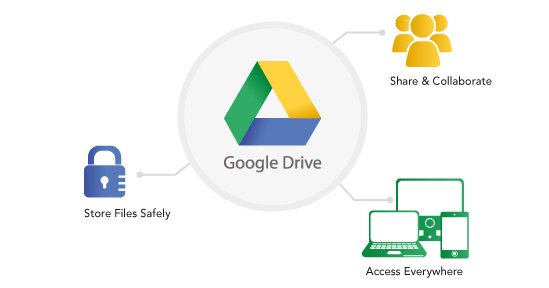
- Strong support for Docs, Sheets, and collaboration
Cons:
- No auto photo backup on iPhone (requires Google Photos—separate app)
- Google scans files for ad profiling (less private)
- Slower mobile uploads and limited offline functionality
- Sharing isn’t encrypted by default
✅ Best for: iPhone users who also use Gmail, Android, or Google Workspace.
Honorable Mentions (Limited Use Cases):
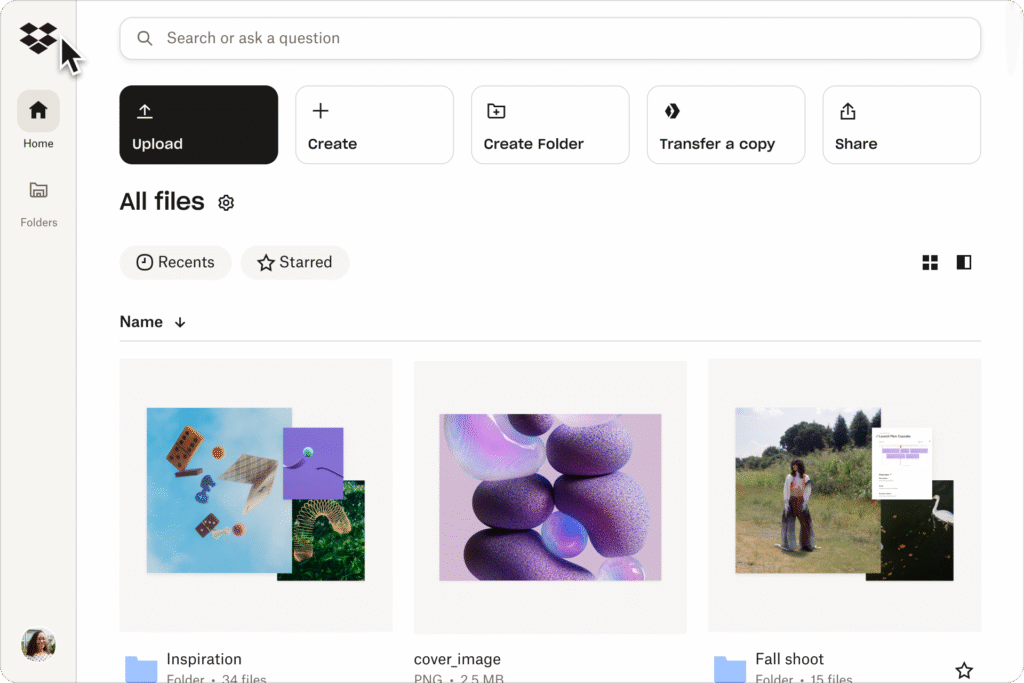
- Dropbox: Solid iOS app, but only 2GB free and costly to upgrade.
- OneDrive: Useful if you rely on Microsoft Office—but overkill otherwise.
- MEGA: Offers 20GB free with encryption, but the iPhone app is slow and confusing.
Smart Strategy for iPhone Users in 2025:
Don’t put all your files in one cloud. Instead:
- Use iCloud only for device backups and iCloud Photos (if you pay for space).
- Use FileWays for everything else: work files, client deliverables, large media, and secure file sharing—especially with non-Apple users.
This combo gives you privacy, performance, and savings—without compromise.
Final Verdict:
| Need | Best Choice |
|---|---|
| Secure sharing & value | FileWays |
| Automatic iPhone backup | iCloud |
| Google Docs collaboration | Google Drive |
| Privacy + iOS integration | FileWays |
👉 FileWays is the best cloud storage for most iPhone users in 2025—offering speed, security, and true cross-platform freedom at a lower price than Apple.
Download FileWays on the App Store today—5GB free, no credit card needed.